


Free TnG eWallet Credit RM200
*Free Samsung Air Purifier 40m2 AX32BG3100GB worth RM999
*Self-Redeem TnG *https://www.samsung.com/my/offer/redemption/
*Free Gift Ship From Seller
*From 1 AUG 2023 – 30 SEPT 2023


FEATURES
OVERVIEW
SPECIFICATIONS
Drying Capacity
Design
Performance
Feature
Cycle
Physical specification
Free TnG eWallet Credit RM200
*Free Samsung Air Purifier 40m2 AX32BG3100GB worth RM999
*Self-Redeem TnG *https://www.samsung.com/my/offer/redemption/
*Free Gift Ship From Seller
*From 1 AUG 2023 – 30 SEPT 2023
Only logged in customers who have purchased this product may leave a review.


Vestibulum curae torquent diam diam commodo parturient penatibus nunc dui adipiscing convallis bulum parturient suspendisse parturient a.Parturient in parturient scelerisque nibh lectus quam a natoque adipiscing a vestibulum hendrerit et pharetra fames nunc natoque dui.
Scelerisque adipiscing bibendum sem vestibulum et in a a a purus lectus faucibus lobortis tincidunt purus lectus nisl class eros.Condimentum a et ullamcorper dictumst mus et tristique elementum nam inceptos hac parturient scelerisque vestibulum amet elit ut volutpat.

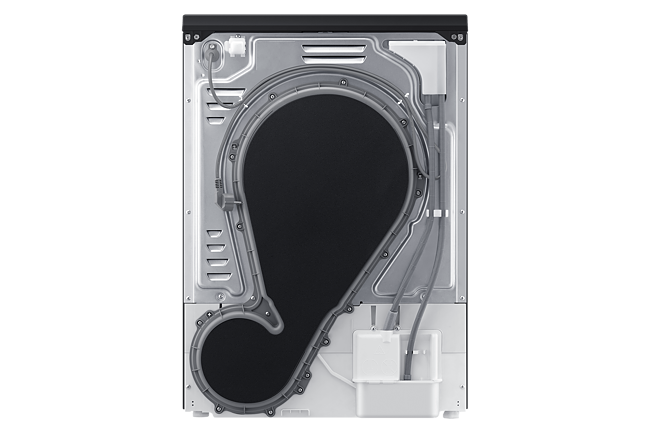
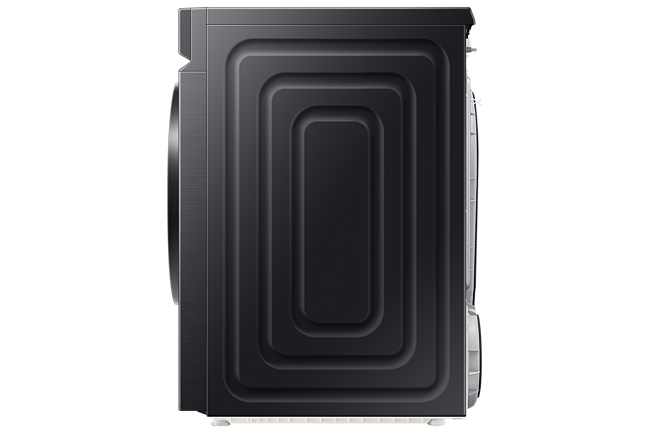
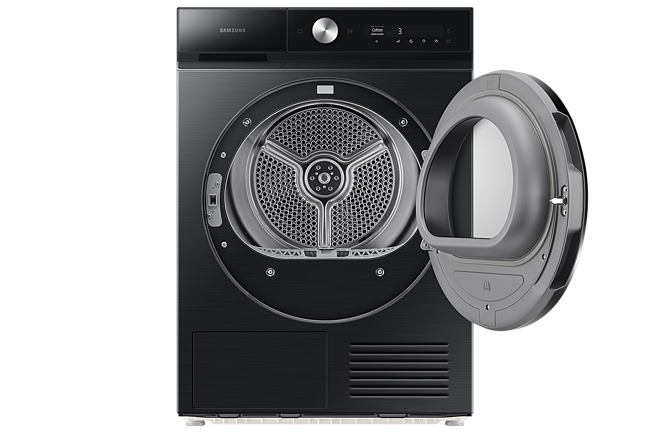
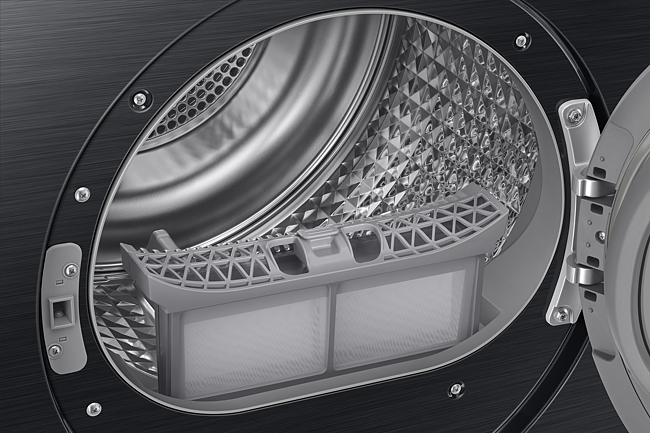
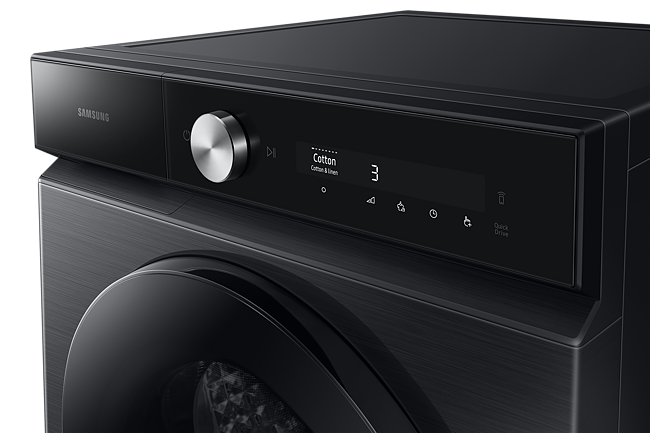
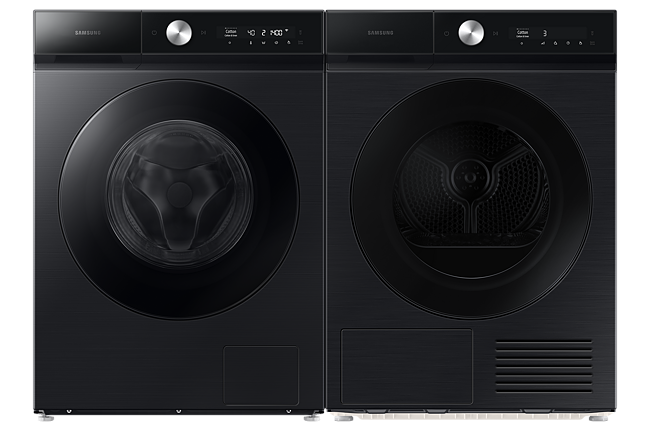
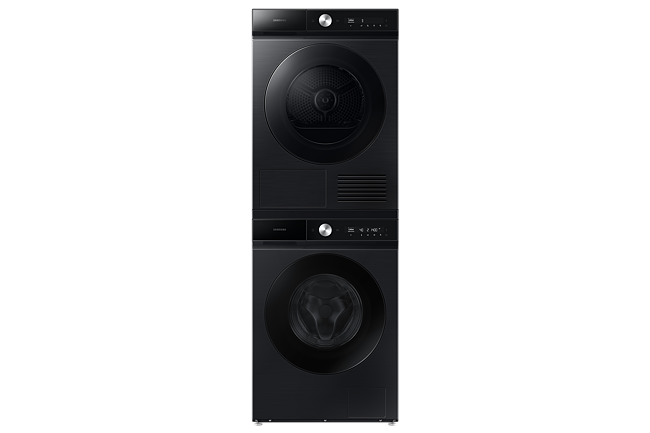
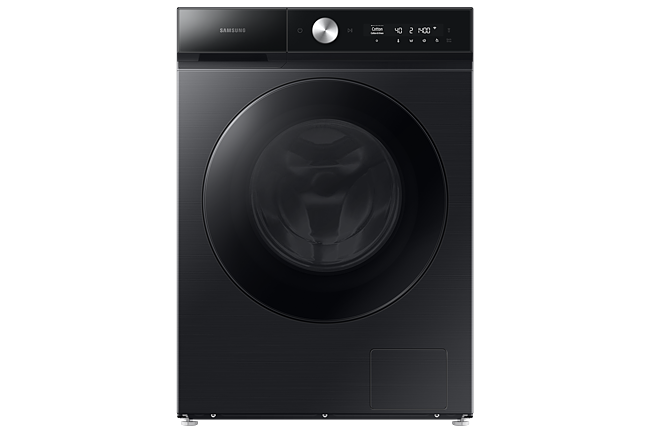
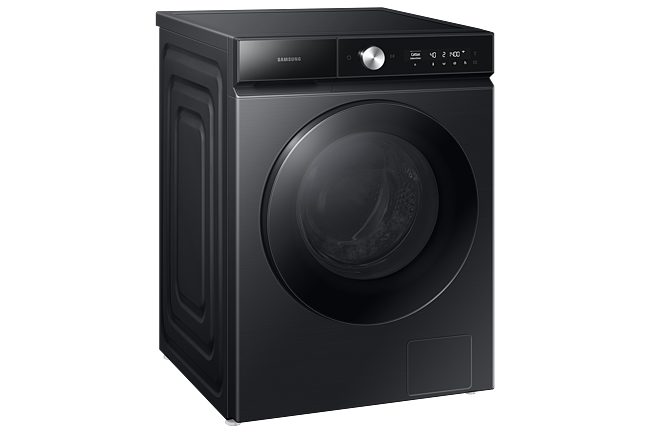
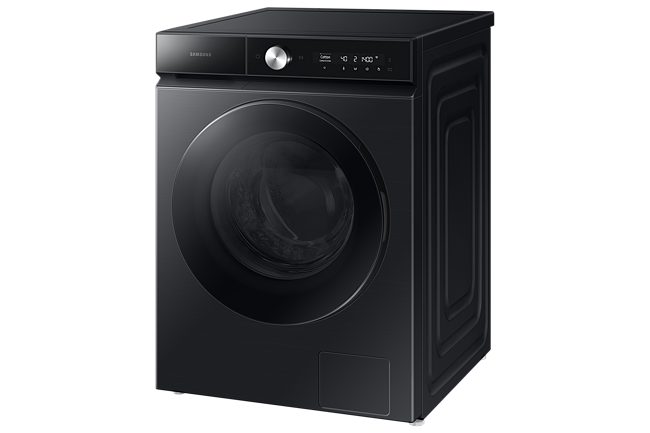
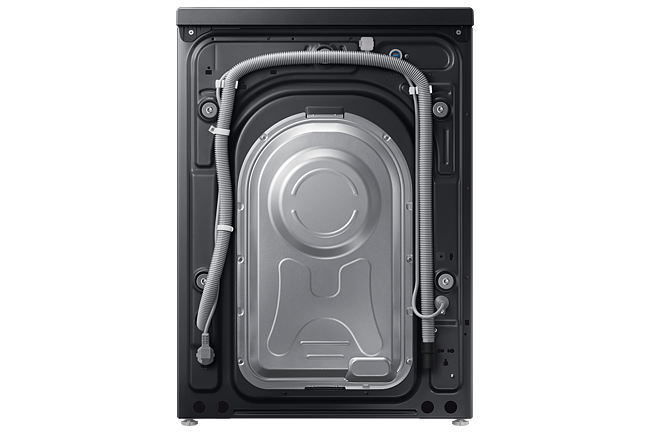
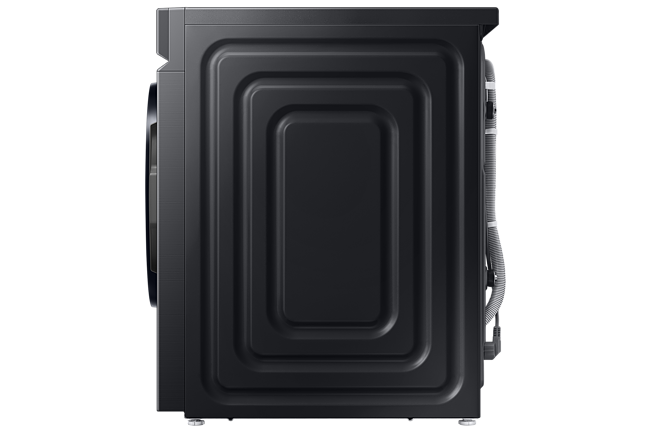
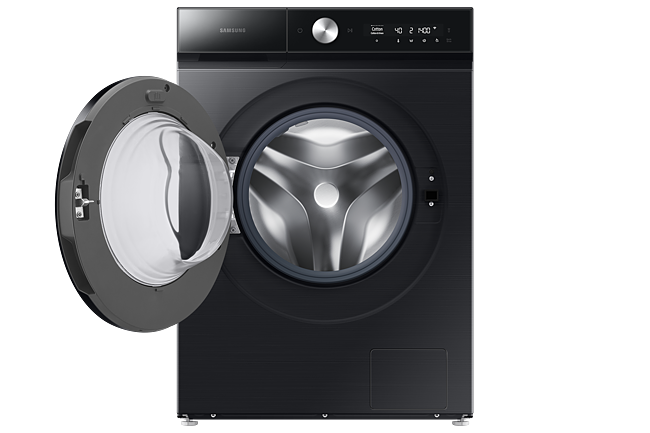
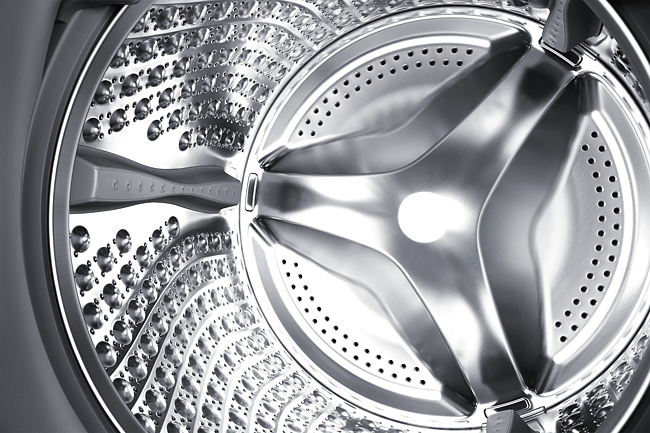
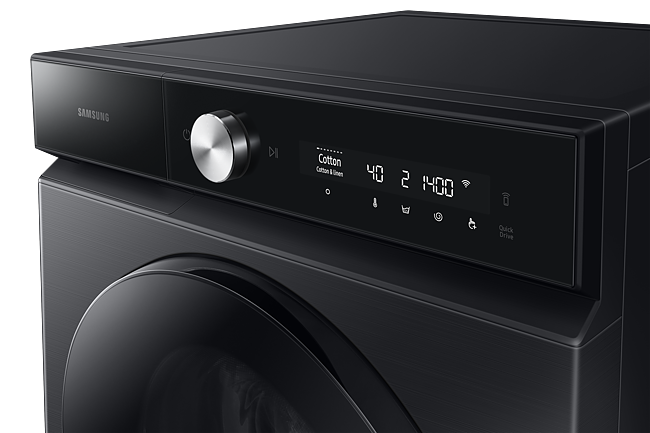
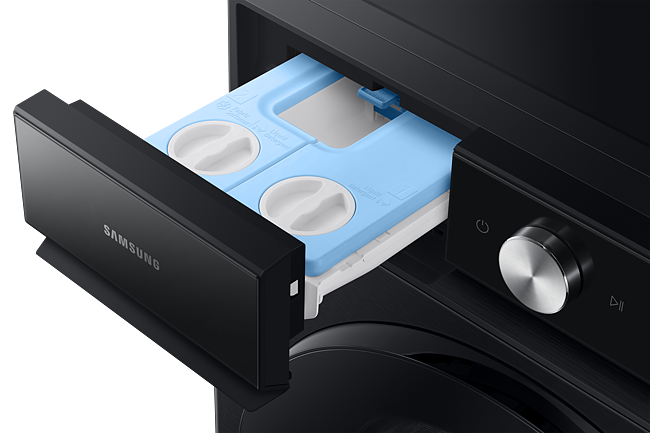

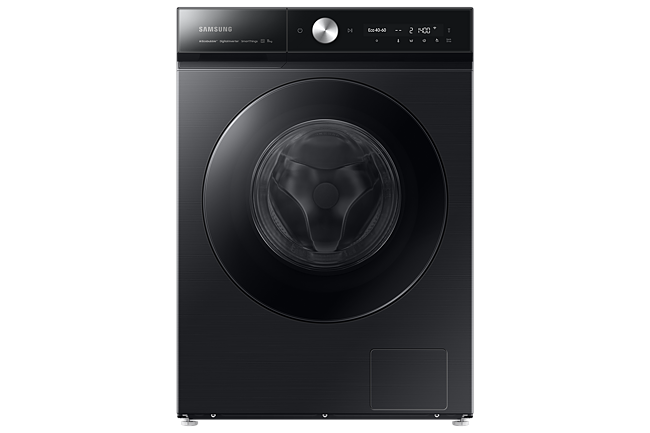
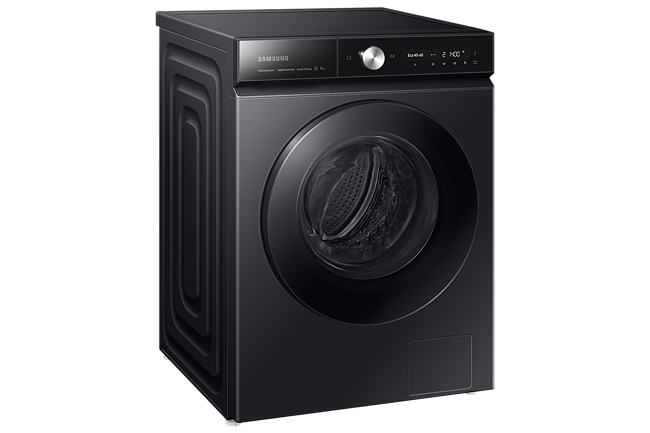
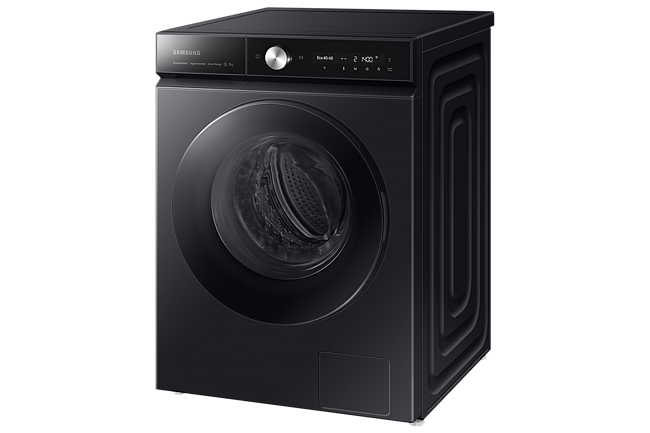
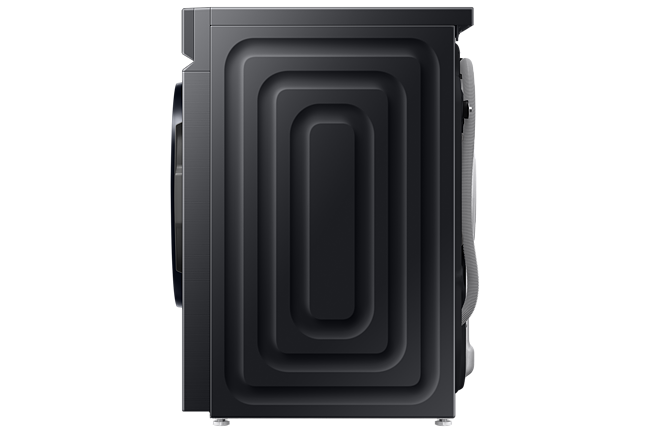
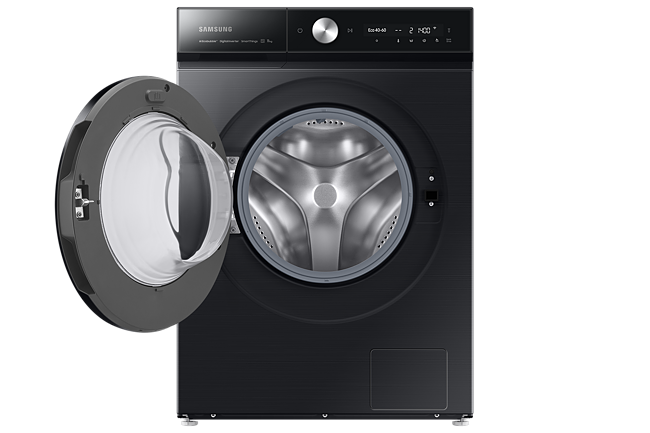
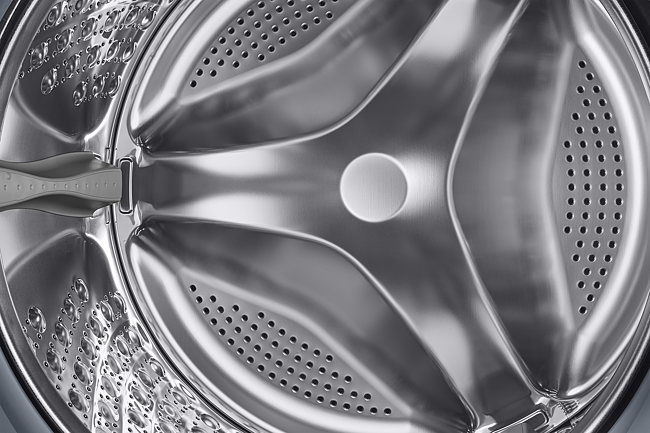
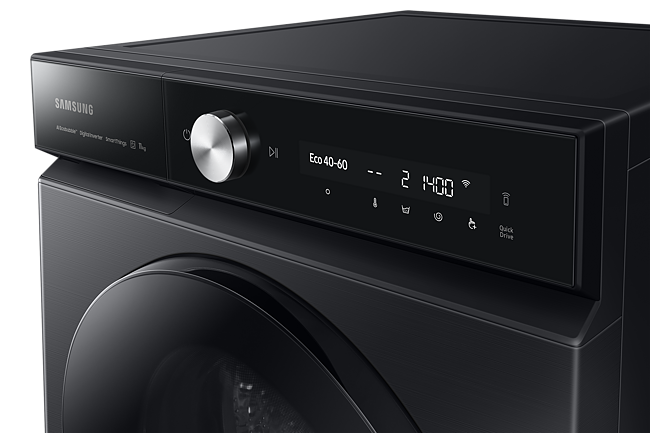
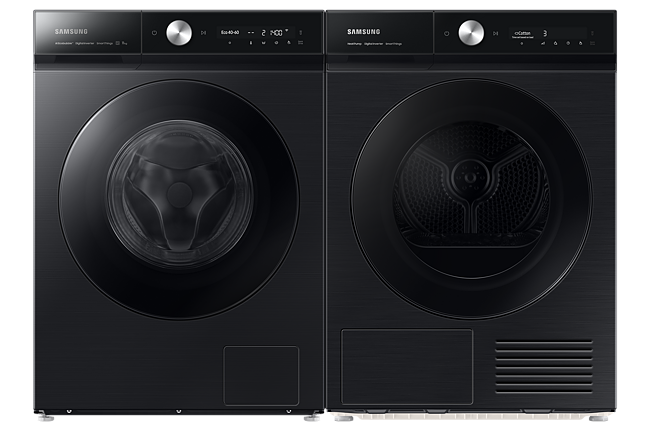
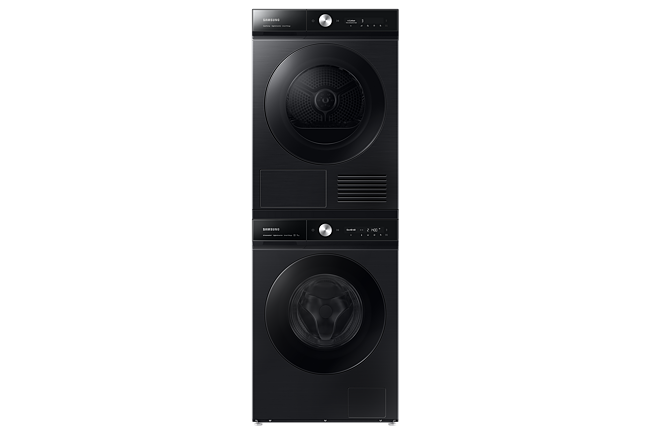
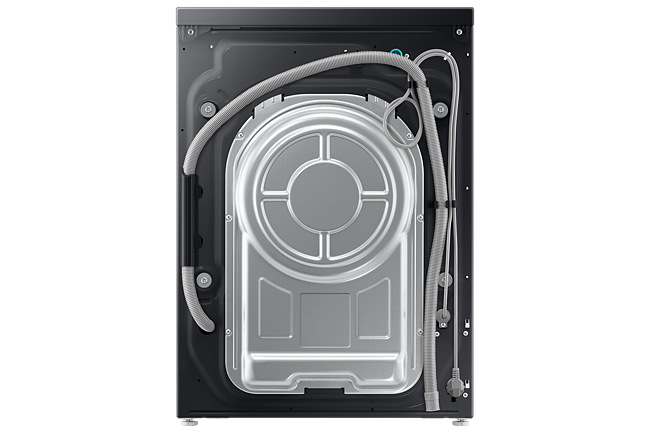
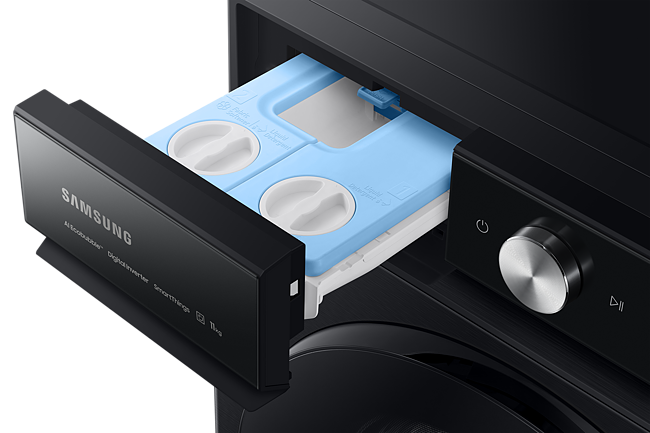
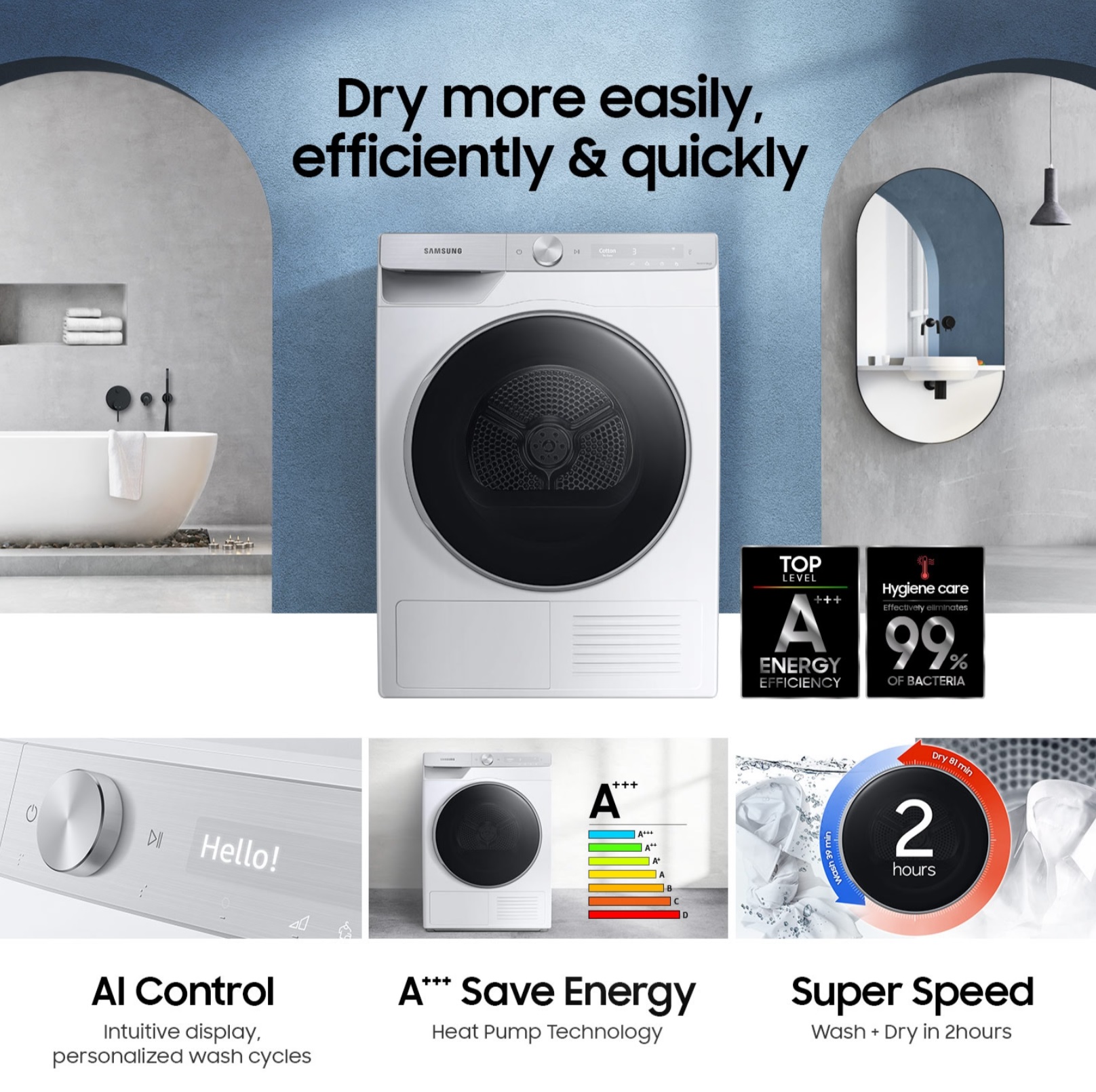 Intelligent Washing
AI Control
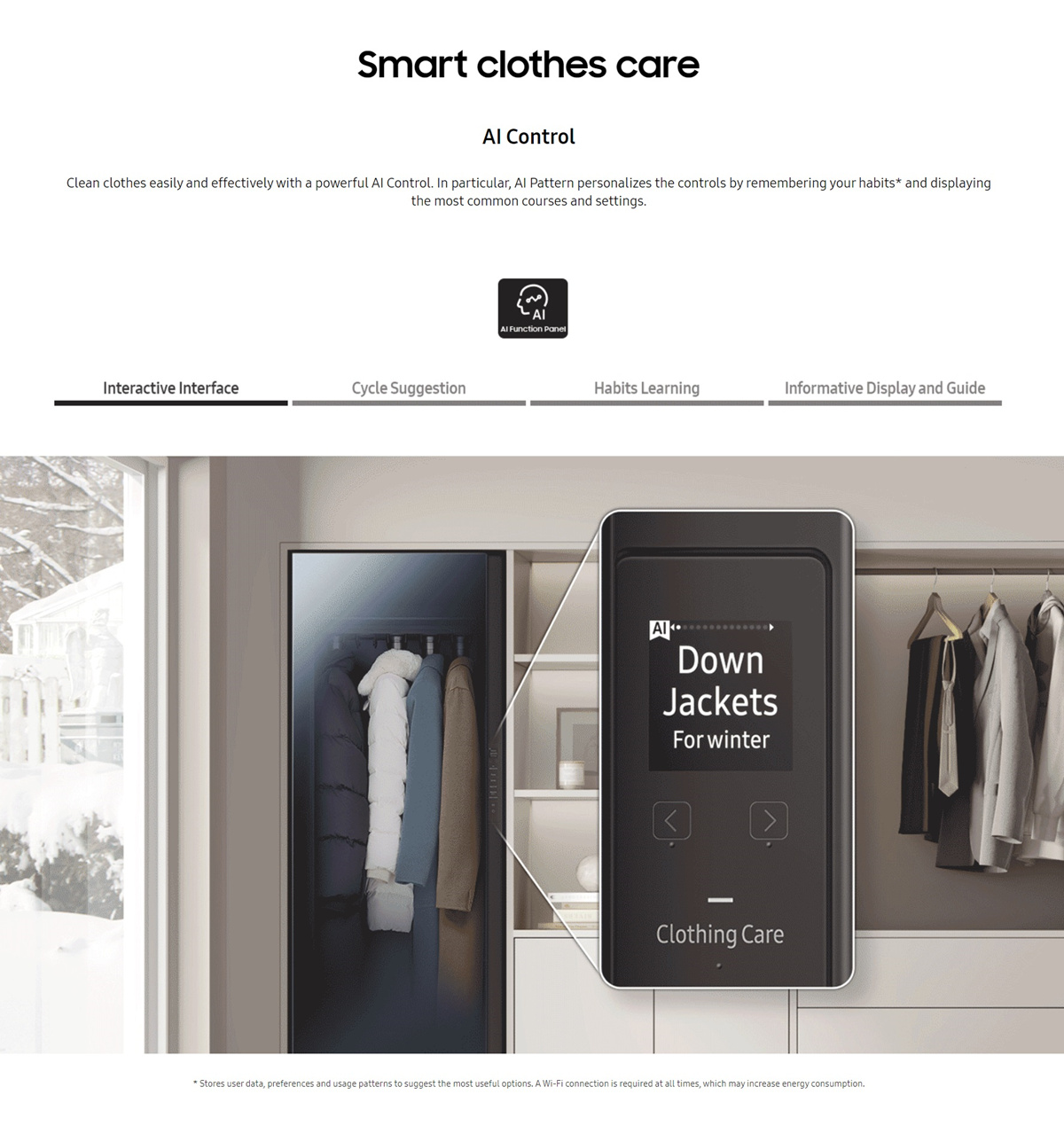
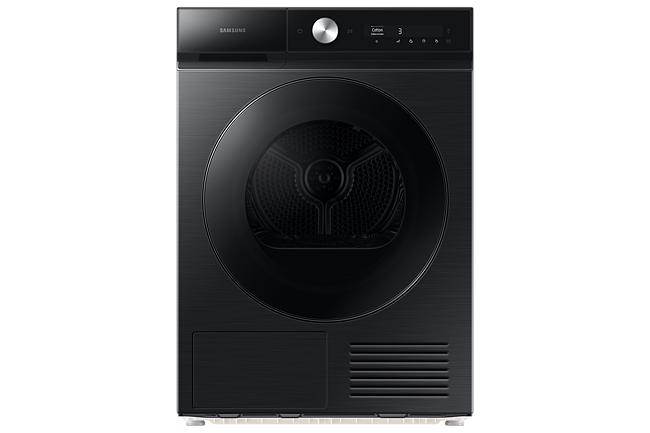
Wash easily and effectively with powerful AI Control. It personalizes washing by remembering your habit, suggesting cycles and displaying timely information. A SmartThings App provides advice on cycle, planning and troubleshooting. And it automatically selects the perfect drying course.
Intelligent Washing
AI Control
Wash easily and effectively with powerful AI Control. It personalizes washing by remembering your habit, suggesting cycles and displaying timely information. A SmartThings App provides advice on cycle, planning and troubleshooting. And it automatically selects the perfect drying course.
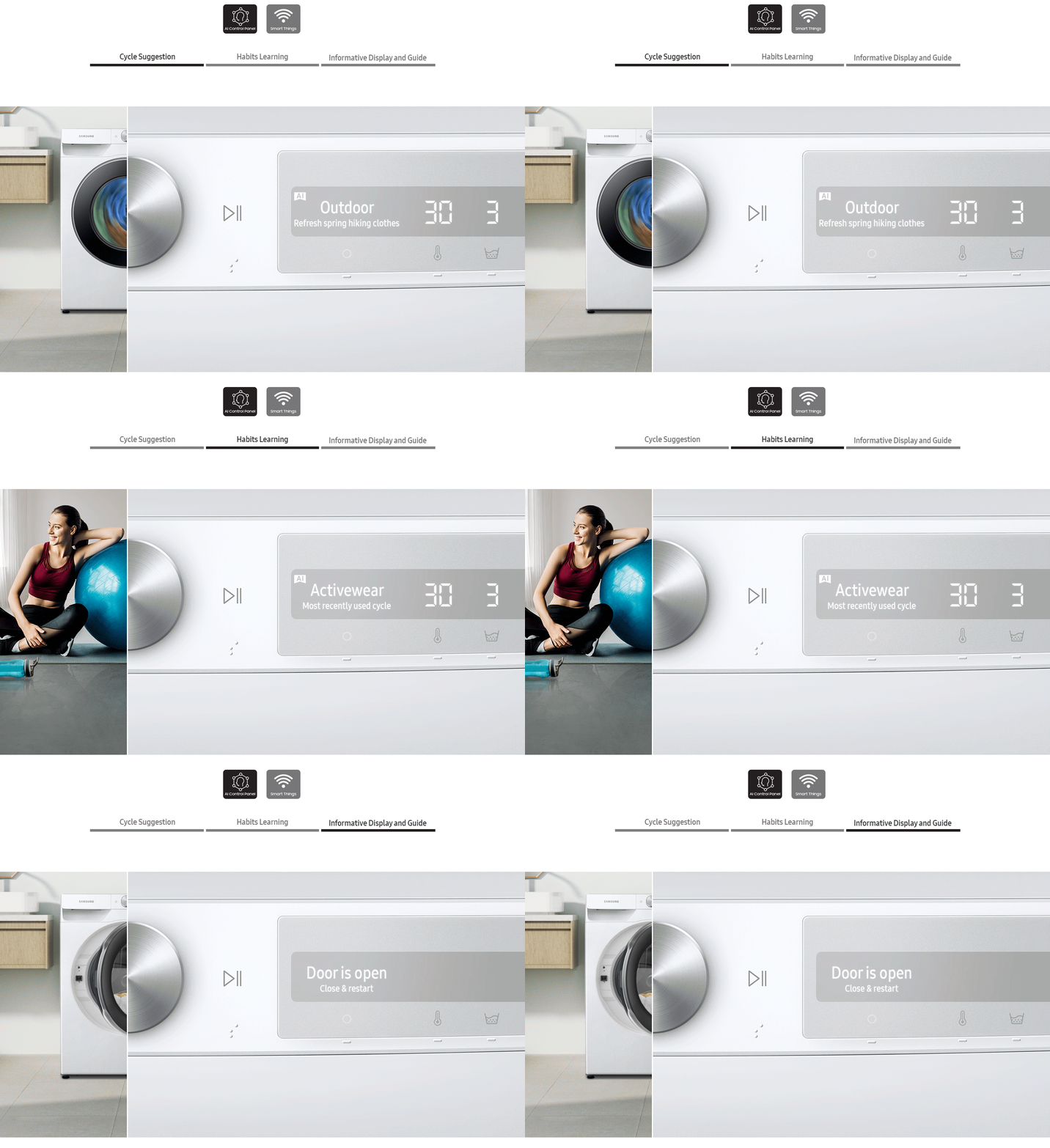
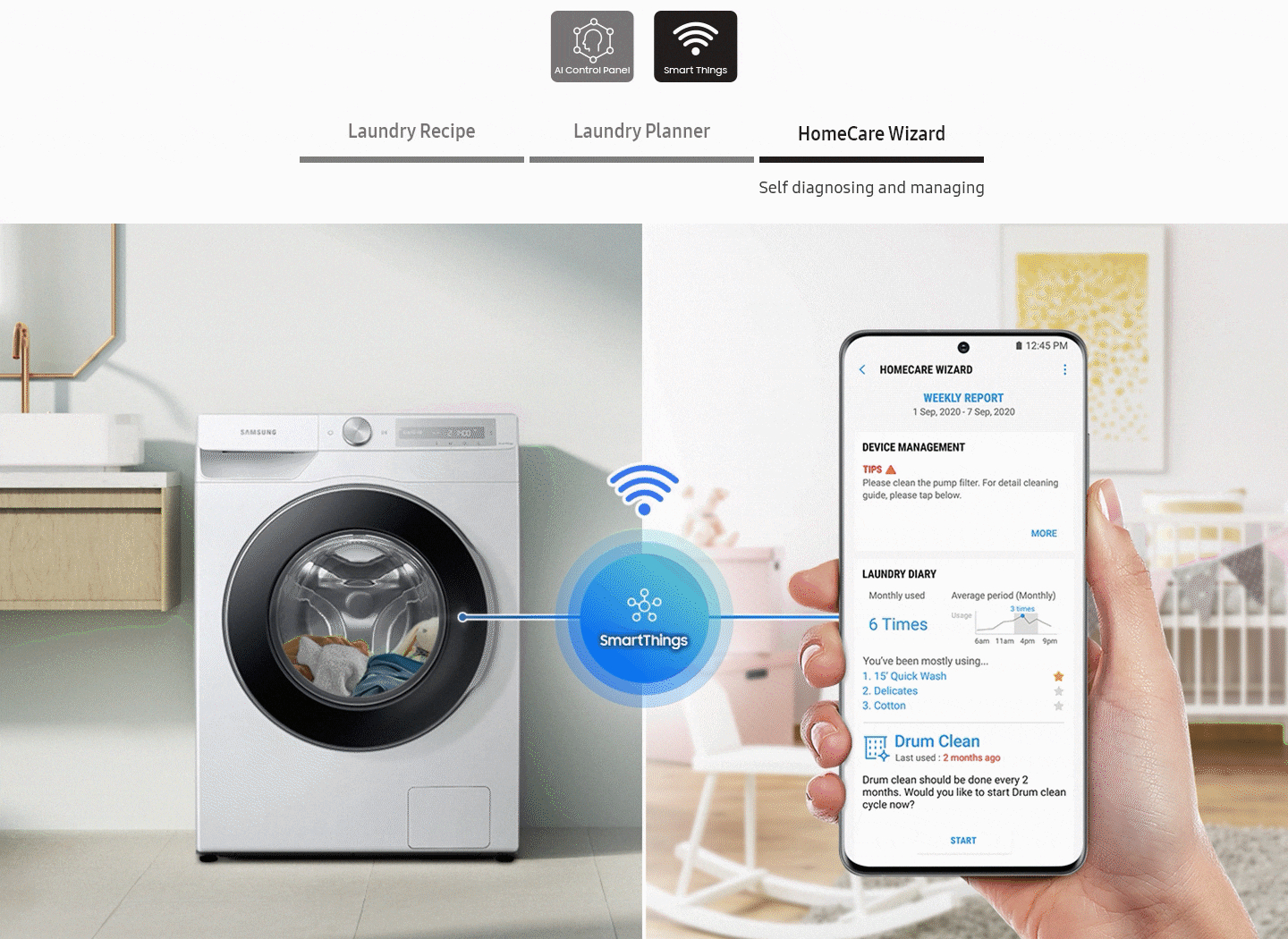 * Available on Android and iOS devices. A Wi-Fi connection and a Samsung account are required.
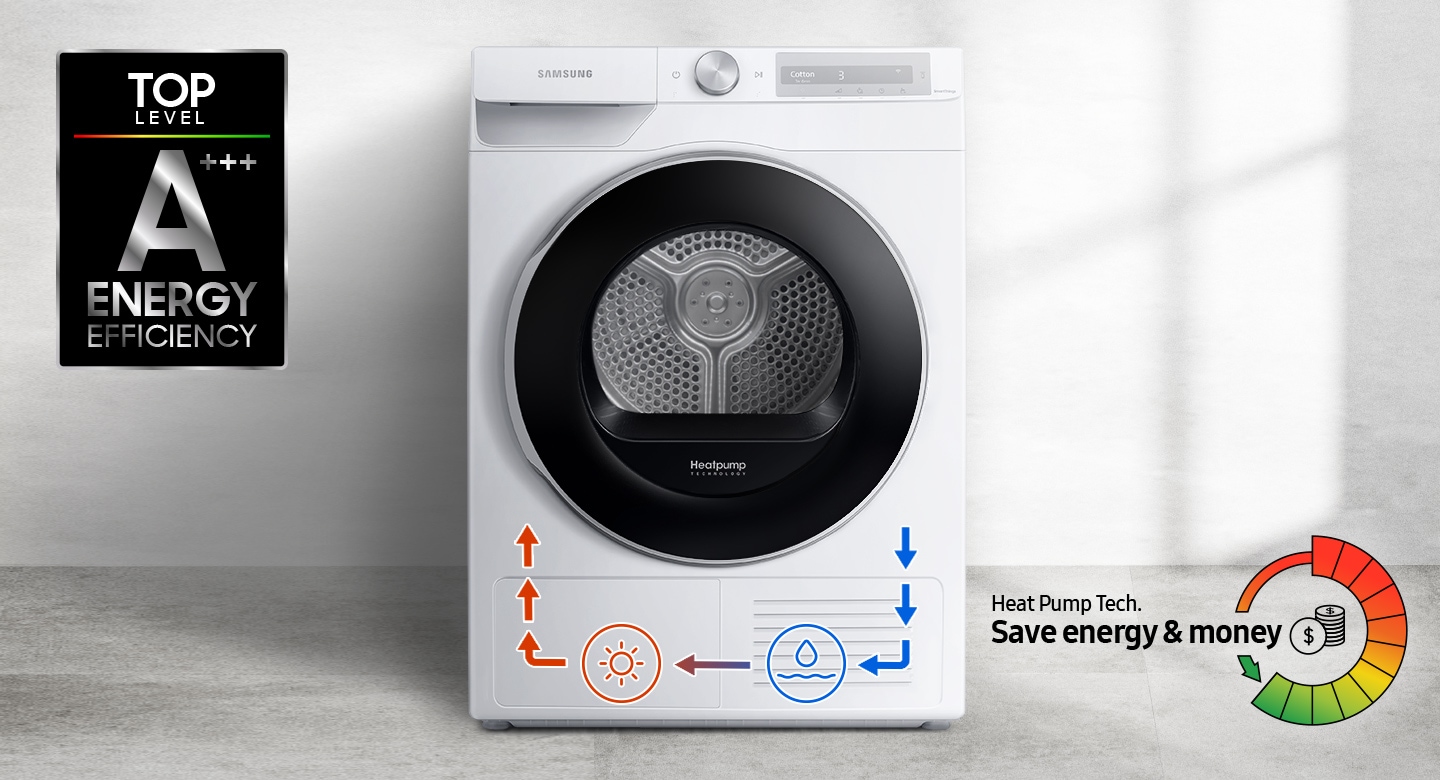
A+++ efficiency
A+++ Energy Efficiency with Heat Pump Technology
Save money and protect the environment by using less electricity*. Heatpump technology offers an energy-efficient, cost-effective and gentle way to dry clothes. It is A+++ energy rated as it uses ‘refrigerant’ instead of electricity to heat the air and recycles warm air to avoid wasting energy.
Eliminates bacteria
Hygiene Care
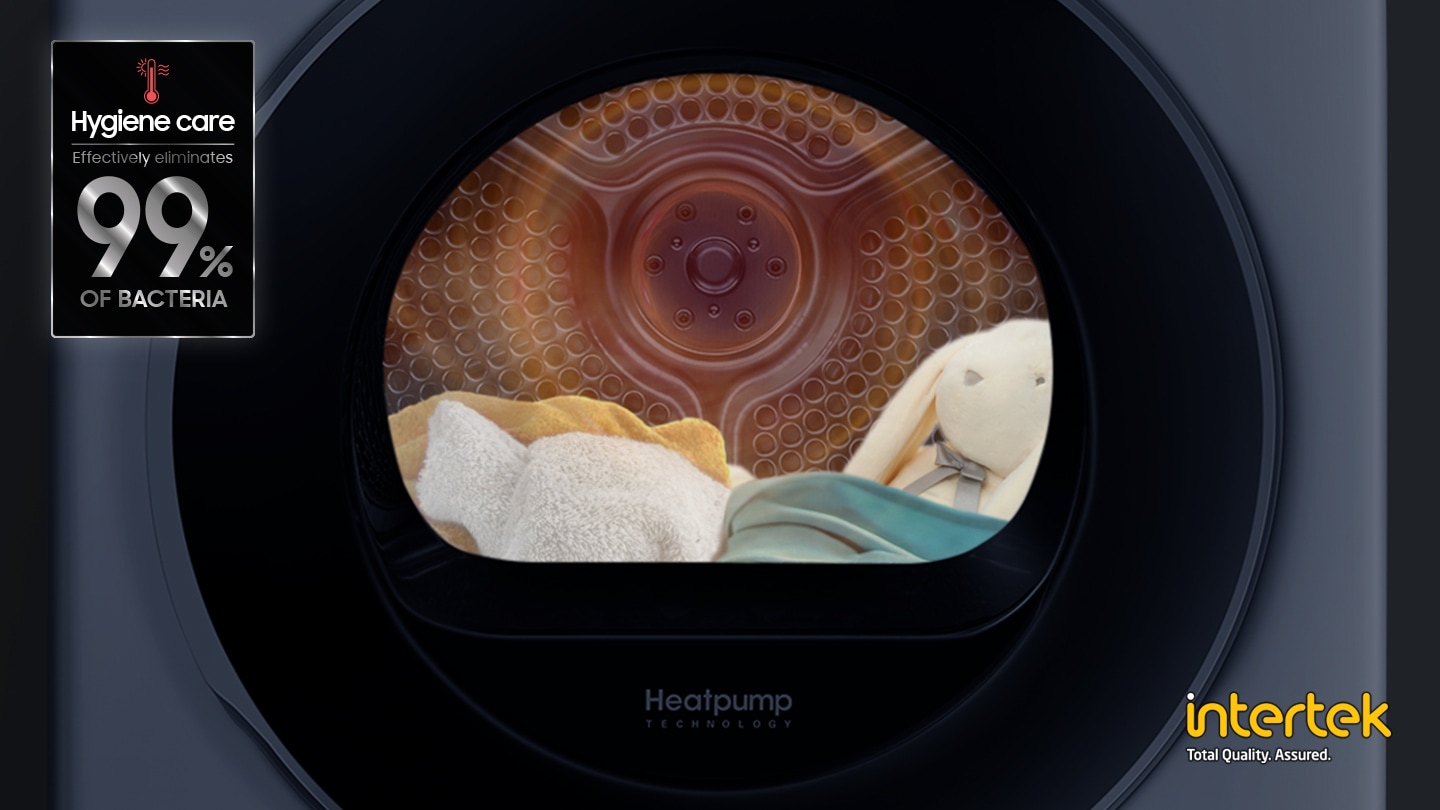
Prevent the build-up of bacteria on clothes and other items, like linen and soft toys. The Hygiene Care cycle sanitizes both dry and wet items* without affecting the drying performance. By infusing them with high temperature heat while drying it eliminates 99% of germs**.
Opens how you want
Reversible Door
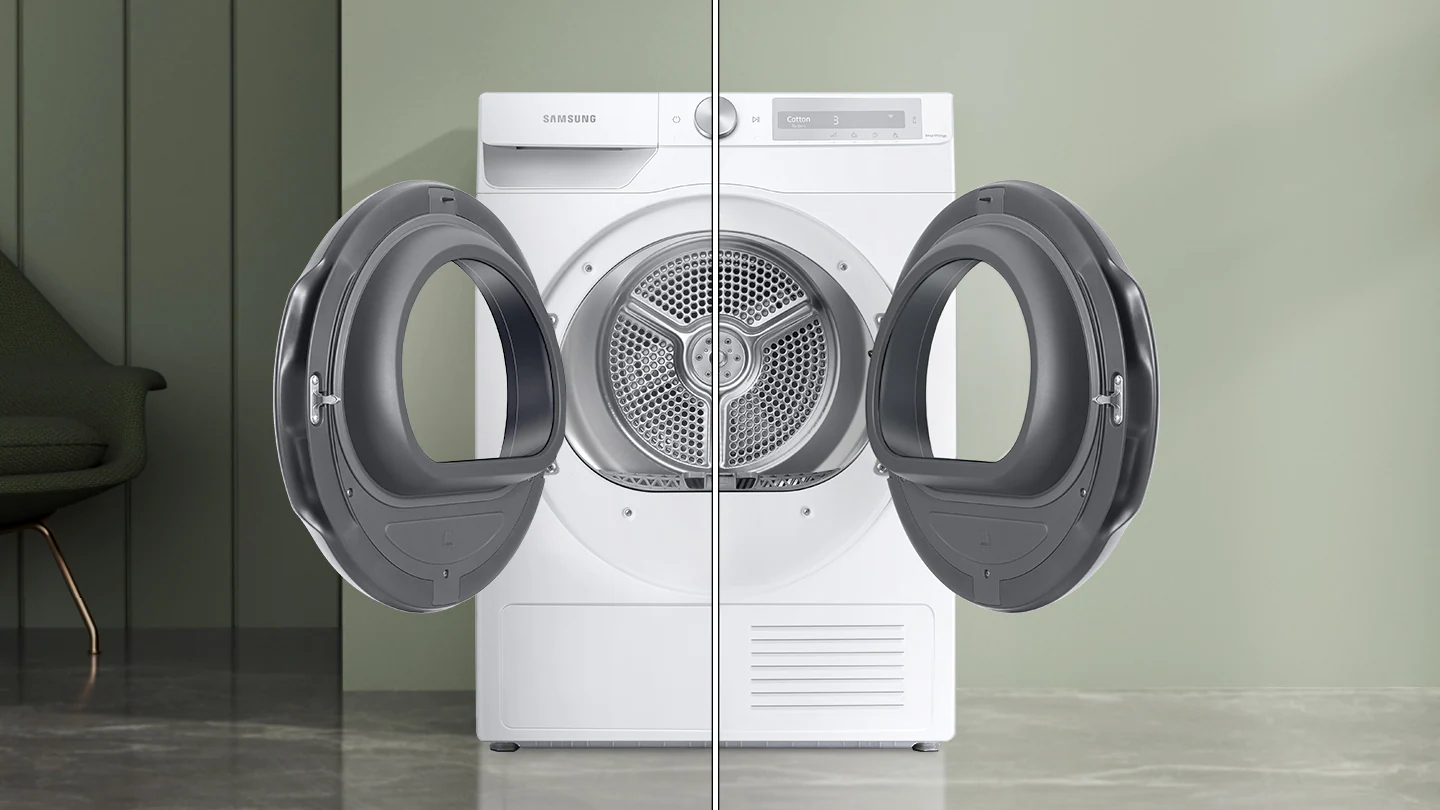
Choose the direction that the reversible door opens to suit the layout of your home. Simply change which side it opens to fit the location, what’s around it and how you do things.It also means that walls won’t get in the way! And it is transparent, so you can check what’s inside with a glance.
Wrinkle-free clothes
Wrinkle Prevent
Keep dried clothes wrinkle-free without ironing. Simply select Wrinkle Prevent and, once the drying cycle ends, it intermittently turns the drum with no heat for up to 180 minutes. It prevents clothes from resting in one place for too long while hot, so creases don’t form in the fabric.
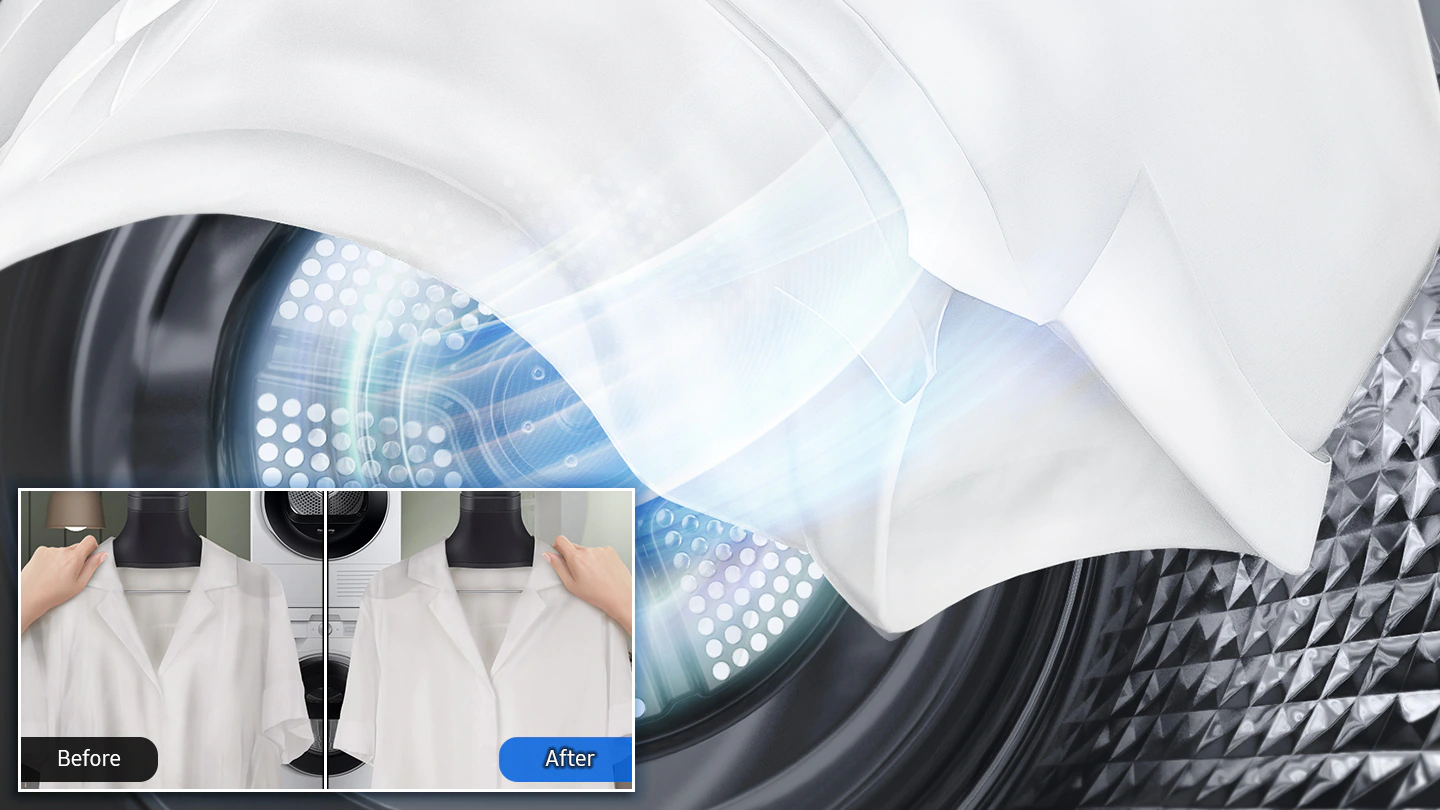
Intelligently dries
OptimalDry
Optimize your drying performance effortlessly! OptimalDry uses 3 sensors to achieve the best results. It monitors the humidity and adjusts the drying time, so laundry is ready quickly and using minimal energy. It also stops clothes from being damaged and reminds you to clean the Heat Exchanger.
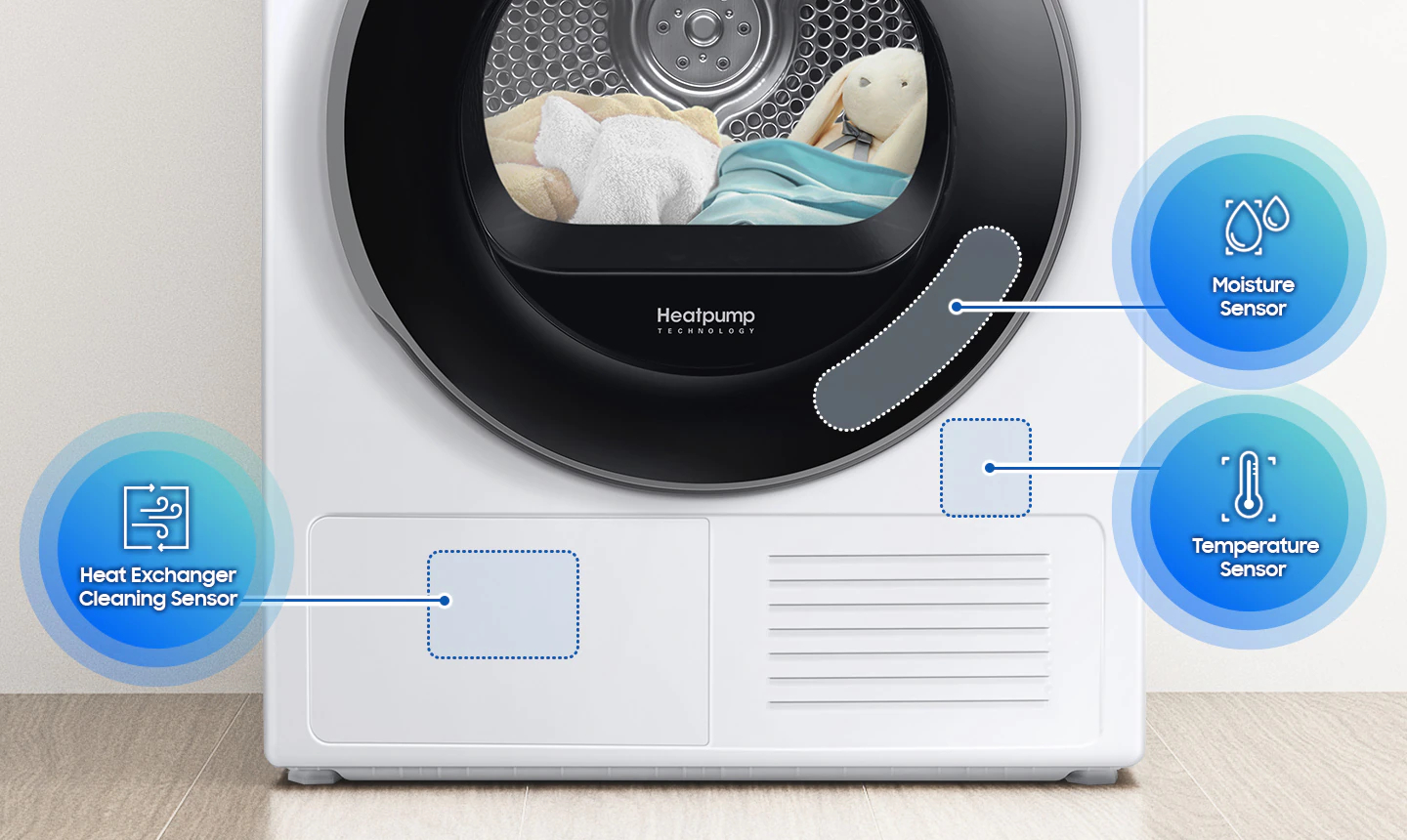
Easy maintenance
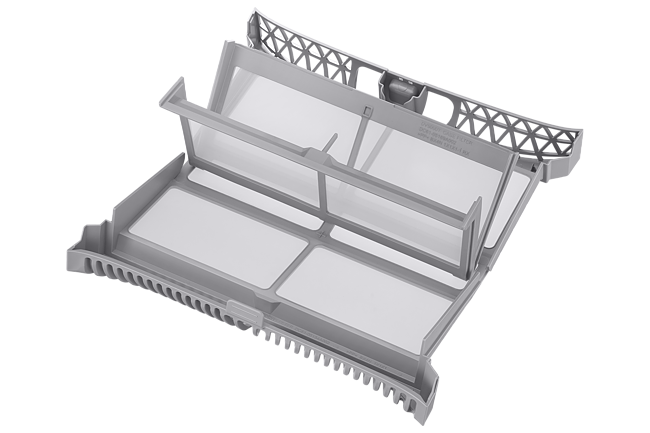
2-in-1 Filter
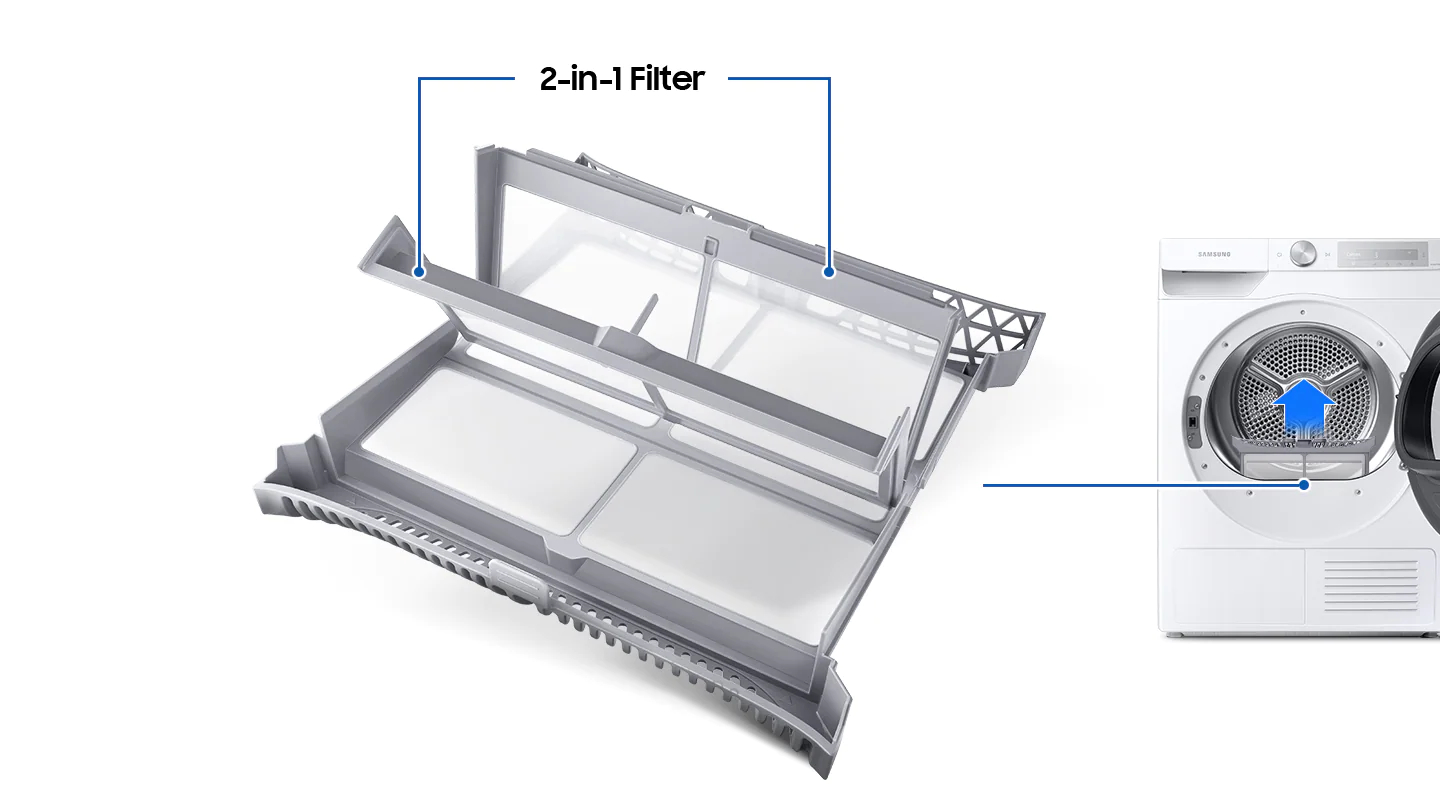
Maintain your dryer more easily and optimize the drying performance and safety. An innovative 2-in-1 Filter has a two-layered mesh filter. So there’s no need for a Heat Exchanger filter, making it easier to maintain. Two alarms also remind you when the Filter and Heat Exchanger need cleaning.
Deodorize with air
Air Wash
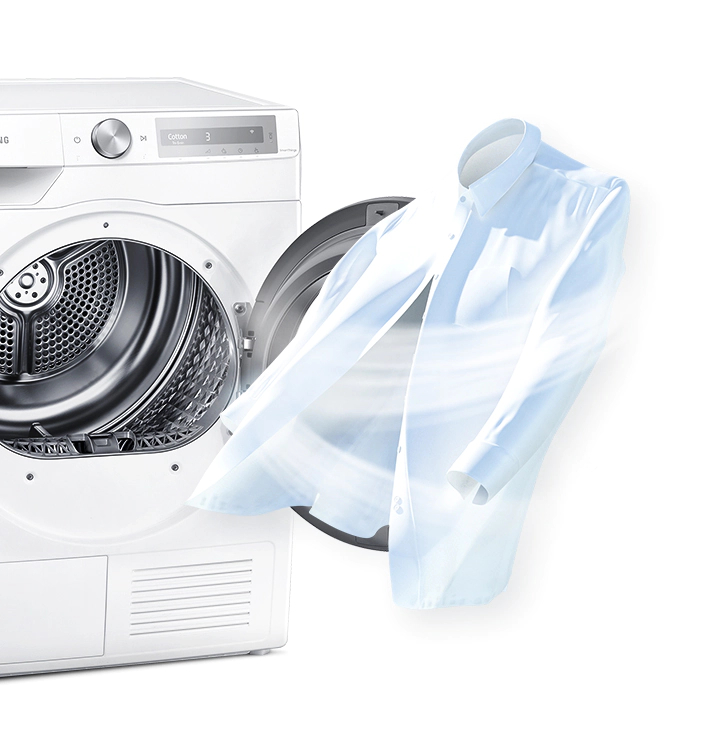
Refresh your clothes without washing, boiling, scrubbing or using detergent. Air Wash technology deodorizes your garments and bedding, so they always smell fresh. Unpleasant odors are removed using just super-hot air. So your clothes will seem like they’ve been dry-cleaned and will last longer.
Fast dry small loads
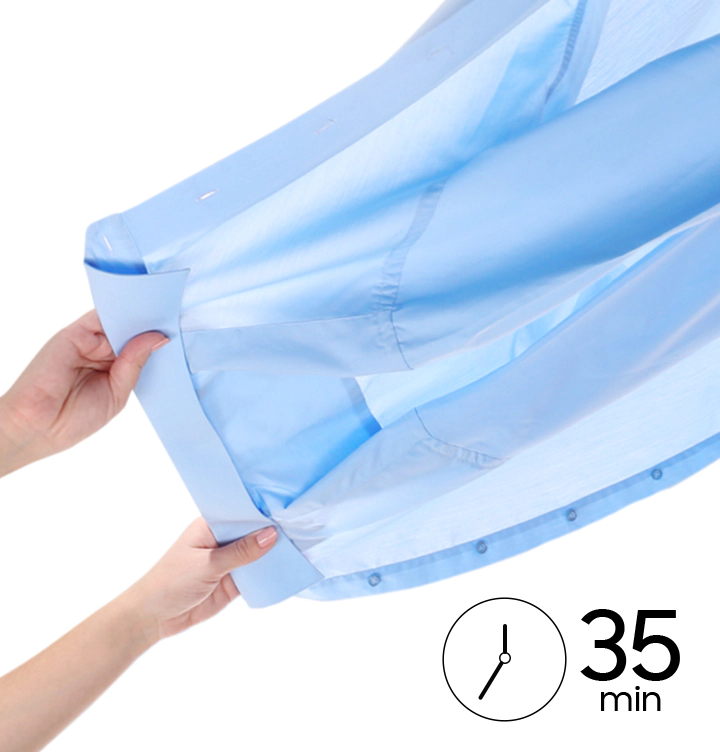
Quick Dry 35'
Get any clothes you need dried fast, like a work shirt or school top. The Quick Dry 35' cycle gets a small 1kg load of clothing dry and ready to wear in 35 minutes*. Using high heat it can safely dry a few items, so there’s much less waiting – just dry the clothes you need, when you need them.

 * The capacity is different for each model.


No account yet?
Create an Account


Reviews
There are no reviews yet.